Offline Visit Reporting for Reps in Low Signal Areas
How visits are saved on the phone without signal, what the manager sees afterwards and the rules that keep offline reports trustworthy.
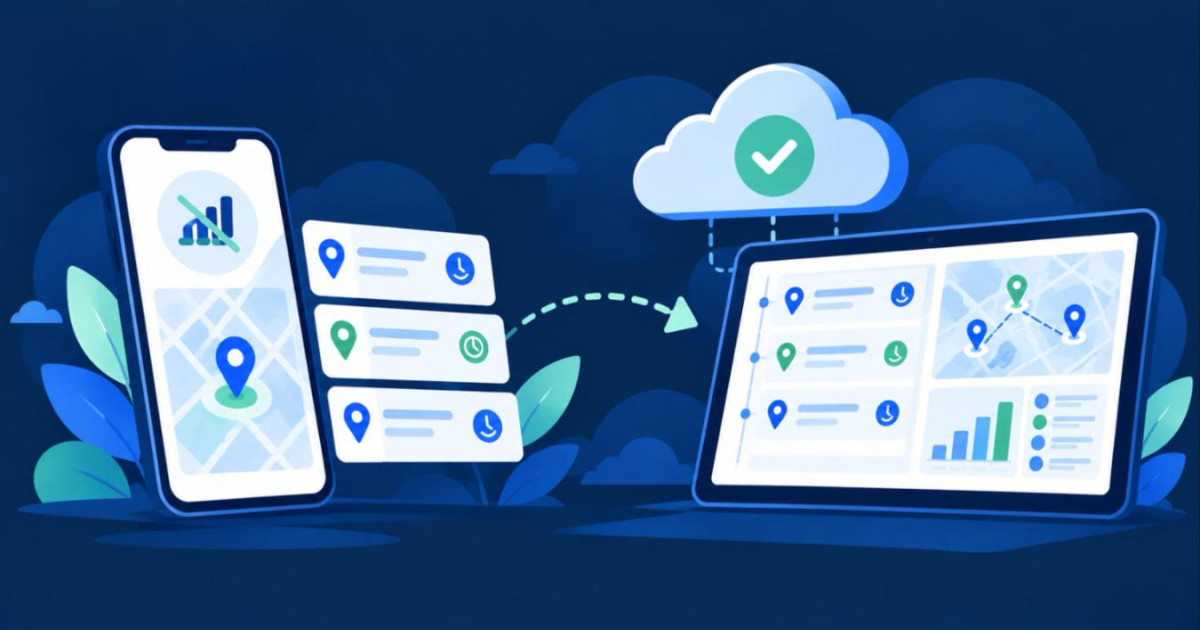
Many pharma territories have patches with no signal: a hospital basement, a rural road, a clinic deep inside a building. If reporting needs a connection, reps in those places do one of two things. They write visits on paper and type them up later, or they skip them. Either way the manager gets a report with the wrong times, or no report at all. Offline visit reporting solves this by letting the phone hold the visit until it can send it.
What the rep does
The rep logs a doctor or pharmacy visit exactly as usual in the RxRep Android app. With no connection, the visit is saved on the phone instead of being lost. A small cloud icon in the header shows that visits are waiting. When the phone reconnects, the saved visits are sent without the rep doing anything.
Visits are not the only thing that can be saved this way. A request to add a new doctor or pharmacy can also be written offline and sent later, and so can an expense claim, which is part of the Complete plan.
What the manager sees
A visit saved offline keeps the time the rep logged it, not the time it reached the server. In the timeline and on the map, the visit sits in the right place in the day, and the daily call report reads correctly. You can open the day as described in how to review a medical rep's day on a map and the offline visits appear in sequence with the rest.
The rules that keep it honest
Offline reporting would be easy to abuse if it accepted anything, so it has limits.
A visit keeps its own time only if it reaches the server within 3 days. After that it is refused, so a rep cannot log a month of visits at the end of the month.
A visit goes to the manager for review if it looks suspicious: a time in the future, or a phone clock that is more than 10 minutes off. Ordinary offline visits are not held back.
Offline visits use the phone's GPS. The IP based location method needs a connection, so it is not available offline.
The app blocks logging out while visits are still waiting on the phone, so none are left behind.
The wider checks on visits, from location to photos, are covered in how to verify doctor visits without watching reps.
What to tell your reps
Keep the instructions short. Log the visit at the time of the visit, even without signal. The saved visits send when the phone reconnects, so a rep who has been out of coverage all day should open the app once back in range and check that nothing is still waiting. Visits older than 3 days are refused, so the same day is the safe habit.
Which plan
Doctor and pharmacy visits with GPS are in every plan, starting with Field. The page on offline MR reporting shows how it looks in the app, and the medical rep app covers the rest of what a rep does on the phone.
Questions readers ask
What else can be saved offline besides visits?
A request to add a new doctor or pharmacy can be written offline and sent later. So can an expense claim, which is part of the Complete plan.
What should a rep do after a day without coverage?
Open the app once back in range and check that nothing is still waiting. Visits older than 3 days are refused, so logging on the same day is the safe habit.
Which plan includes offline visit reporting?
Doctor and pharmacy visits with GPS are in every plan, starting with Field.